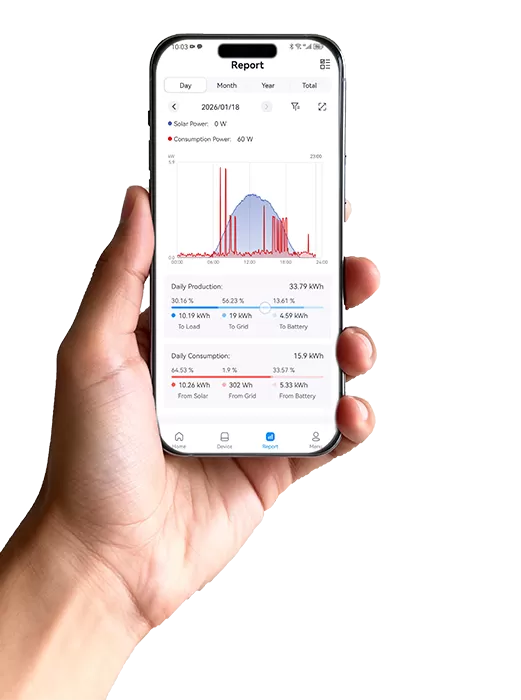
SOLARMAN Business is specially designed for EPC, investors, manufactures, distributors and etc.. Users can learn plant status and data at anytime and anywhere. With the function of customized dashboard, SOLARMAN Business can help users learn plant information at a glance.
Login to SOLARMAN Business, uses can find Dashboard in the first column in the upper-left corner. Click Customize in the upper-right corner, users can set dashboard layout according to their habits. Customized items are Production Overview, Historical Production, Plant Status, Plant Distribution, Peak Hour Rankings, Plant Normalization Rankings, Device Library Status, Overall Planned Production, Work Order Report, Work Order Trend, Timeout Rankings-Unfinished Work Order, Deviation Rankings-Finished Work Order, Handler Rankings.
Dashboard is similar to the front-end display of a database that summarizes the plant status. Different chart type (e.g. tree chart, pie chart, list chart) can be shown according to user demands.

 EN
EN
 fr
fr  de
de  es
es  it
it  nl
nl  pt
pt  cs
cs  pl
pl